Skip to content
Speak AI
  • Featured
    Built With You
    Custom AI applications: bespoke multimodal pipelines, white-label platforms, your methodology at contract scale.
    Download Apps
    iOS, Android, and desktop options for capture and playback.
    Capture
    AI Meeting Notetaker Live Transcription Recorders & Surveys Transcribe Anything
    Analyze
    Multimodal AI Analysis Video Analysis Audio Analysis AI Translation AI Chat
    Score & Coach
    Call Scoring Scorecards Coaching Data Visualization
    Agents
    Voice Agents Phone Agents Knowledge Base
    Need an enterprise deployment or custom pricing?
    Book a Demo Start Self-Serve Call +1 (415) 301-6558
  • Featured
    Custom Applications
    The largest deployments span every use case: built with us, under your brand.
    Sales & Coaching →
    Sales Teams Training Companies Agencies & Consultancies Consultants
    Meetings →
    Business Owners HR Teams Marketers
    Research →
    Qualitative Researchers Academic Researchers UX Researchers Market Researchers
    More
    Faculty Non-Profits Content Creators Podcasts
  • Featured
    Claude
    Bring your whole Speak AI workspace into Claude: search, analyze, and act with 100+ MCP tools.
    MCP Server
    One endpoint for Claude, ChatGPT, Cursor, and every MCP client.
    AI Assistants
    ChatGPT Gemini Cursor Windsurf
    Sales & CRM
    Salesforce HubSpot Microsoft Dynamics Zoho
    Meetings & Workflow
    Google Meet Webex Slack Zapier All Integrations
  • Featured
    MCP Server
    100+ tools for Claude, ChatGPT, Cursor, and more. Connect AI assistants to your data.
    API Documentation
    REST API, webhooks, authentication, and language SDKs.
    Build & Integrate
    MCP Server CLI API Documentation Developers
    Learn
    Help Center Compare Alternatives ROI Calculator Updates
  • Featured
    Case Studies
    See how teams save time, reduce costs, and deploy AI-powered workflows.
    Enterprise
    Custom builds, white-label, SSO, dedicated support, and tailored pricing.
    Business
    Consultants Business Owners Sales Teams Marketers Consulting Firms Training & Development HR Teams
    Research
    Qualitative Researchers Academic Researchers UX Researchers Market Researchers
    Education
    Faculty Non-Profits
    Content
    Content Creators Podcasts Journalists
  • Pricing
  • Case Studies
Book a Demo Try Speak AI Free Login
Home / Case studies / A legal research firm
Case study · Legal · A legal research firm

How a legal research firm reviews every call and checks each scripted question with AI

A legal research firm uses Speak AI to transcribe every research call and list each question asked, cutting the check that a scripted question was asked from about 45 minutes of listening to about 6 minutes, per the firm.

Book a DemoTry Speak AI Free
As of October 2026Measured from Speak usage records
  • 33,000+
    Calls transcribed
  • About 7,900
    Hours of calls
  • 2,300+
    Calls in the last 90 days
  • 3 years
    Of continuous use

Summary

The firm runs research calls from a script, and each call has to be checked to confirm every scripted question was asked. Reviewers did this by listening, so only a small share of calls could be checked.

It sends every call to Speak, where each becomes a transcript. A prompt lists every question asked, so a reviewer can compare the list to the script, open the exact moment and export a clip for coaching.

Thousands of calls come in each quarter from a team of regular uploaders. The firm reports the check now takes about 6 minutes rather than about 45.

Who this is for

  • Operations and quality leads at research firms who must confirm every scripted question was asked on every call
  • Team leaders who coach analysts and need exact moments from calls, not recollections
  • Managers choosing how to review a high volume of recorded calls without listening to each one
A researcher in a headset listens intently to a call at a tidy desk by a window.

Three lines to take away

Before

Confirming that every scripted question was asked meant about 45 minutes of listening per call.

With Speak

Speak transcribes the call and lists every question asked, so reviewers compare the list to the script.

After

The same check takes about 6 minutes, and coaching starts from an exported clip.

Listening was the only way to check

With a scripted call, a missed question can matter. The only dependable check was to hear the call from start to finish.

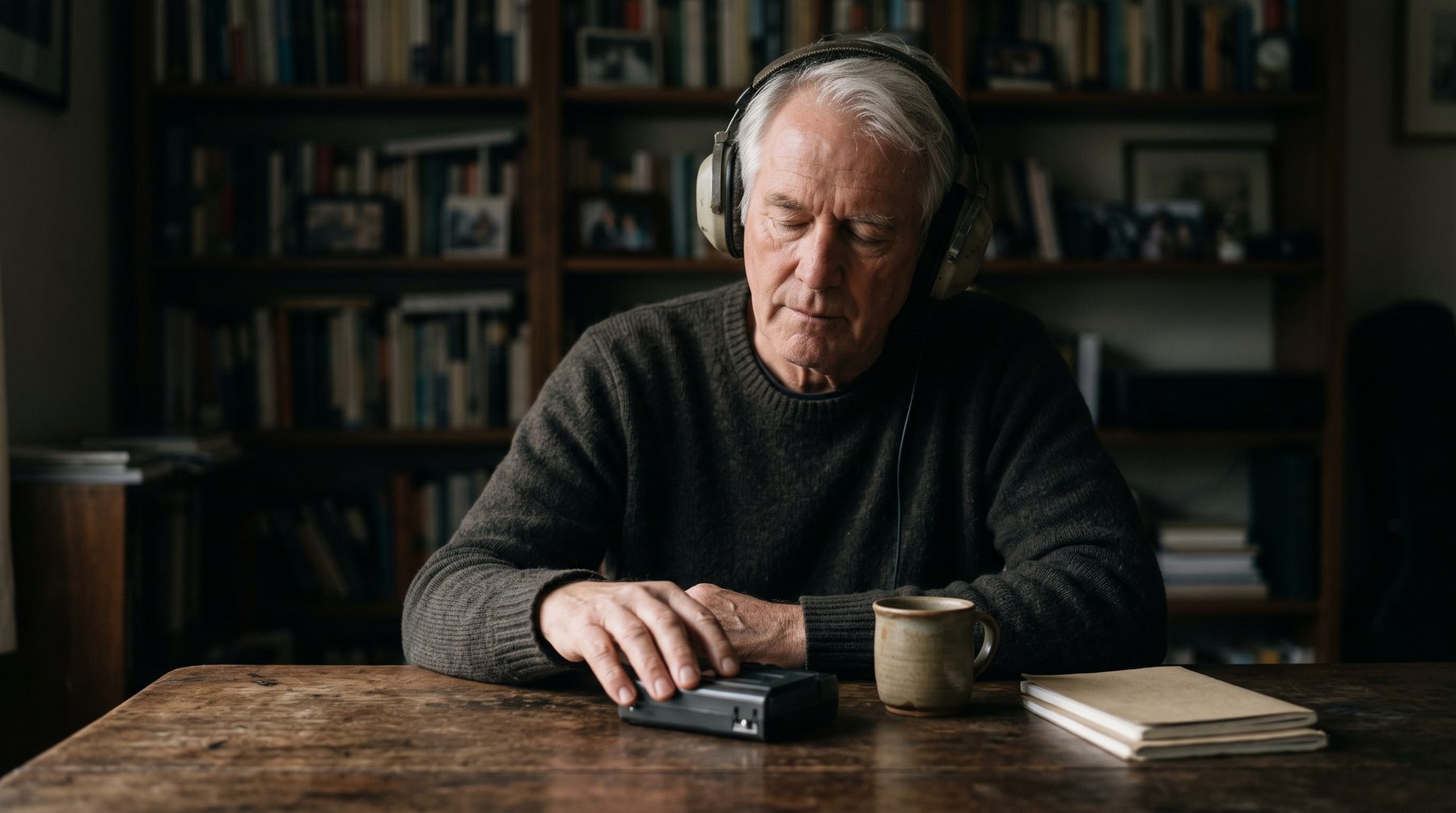
An older man in over-ear headphones listens with eyes closed at a dim desk.

Long manual listening

Confirming each scripted question was asked meant playing the call through, pausing and ticking a list.

Only a few calls checked

Because listening takes so long, reviewers heard a small share of calls, and gaps in the rest went unseen.

Coaching without evidence

Feedback to analysts rested on memory of a call, with no clip to point at.

The cost: Customer-reported: confirming every scripted question was asked took about 45 minutes of listening per call.

The turning point

A list of questions asked, in minutes

The turning point was seeing a single prompt return every question asked on a call, in order, next to the transcript. A reviewer no longer had to listen for the answer. They read a list, compared it to the script and opened the call only where a question was missing.

What the firm had to be convinced of first was that the list could be trusted enough to replace listening. Checking a few calls against the audio, and keeping the transcript and clip one click away, settled that. Coaching then moved from description to evidence.

How they use Speak AI

The flow moves from uploaded calls to a checked list and a coaching clip.

  1. Step 1

    Upload calls

    Calls are uploaded continuously by the team and sorted into the right folders as they arrive.

  2. Step 2

    Transcribe

    Each call becomes a searchable transcript in minutes, with speakers labelled and timestamps.

  3. Step 3

    List questions

    A prompt and custom fields list every question asked, so reviewers compare the list to the script.

  4. Step 4

    Coach and export

    Reviewers open the exact moment, export a clip for the analyst and send results on as CSV or DOCX files.

Honest friction: Fields and automations took some guided setup, and the prompt needed adjusting before reviewers trusted it. The check is a comparison to a script, so it is only as good as the script it is compared with.

A woman in a headset speaks in a quiet booth with a laptop and small microphone.

Book a Demo

Results

A review that covers every call

The firm has transcribed more than thirty-three thousand calls over about three years, and more than two thousand in the last quarter alone.

2,300+
Calls added in the last 90 days
640+
Hours of calls in the last 90 days
9
People uploading calls in the last 90 days
Area Before After Source
Confirming every scripted question was asked About 45 minutes of listening per call About 6 minutes to list every question asked Customer-reported on a call with us
How we calculated this

An estimate, not a measurement

The usage numbers on this page are measured from Speak records. This block is a separate estimate of the manual effort the same workload would take. It uses published time benchmarks at the low end of their ranges and official wage statistics at the 25th percentile. Most teams already have transcripts, so Speak’s value here is the analysis layer.

Headline for this study

Starting from: already using a transcription service

Counts only the analysis, grading and notes effort. The conservative baseline.

At least 5,900 hours
about US$200,000 at the low end

Up to about 13,000 hours and US$590,000 at the high end of the published ranges.

Alternative baseline

Starting from: no transcription today

Baseline (a) plus manual transcription. The upper bound.

At least 35,000 hours
about US$900,000 at the low end

Up to about 67,000 hours and US$2,000,000 at the high end of the published ranges.

Which baseline we lead with: The customer reported listening back to each call to confirm every scripted question was asked (about 45 minutes per call). Listening back is the review itself, not transcription, and our notes do not show hand transcription, so the conservative baseline (a) leads. Baseline (b) is shown as the upper bound.

Task Manual time (published range) With Speak (our assumption)
Listening back to confirm each scripted question was asked 1 to 2 hours per hour of calls
Survey Results (scoring time vs AHT)
0.25 hours per hour of calls
Our assumption: 0.25 hours per hour of calls to read the list of questions asked and open a clip.
Manual transcription (baseline b only) 4 to 7 hours per hour of calls
Realities Toolkit #08: Transcribing your own qualitative data
0.25 hours per hour of calls
Our assumption: 0.25 hours to check an AI transcript.

Workload (measured): 7,900 hours of calls. Live recordings in the account, excluding zero-duration rows and capped at 12 hours each, pulled 2026-10-11.

Hourly cost: US$24.20 (25th percentile) to US$30.24 (median) for Paralegals and legal assistants; transcription is costed at US$16.42 to US$19.43. Both are multiplied by 1.43 to include benefits and employer costs. US wages are used as a neutral reference.

Hours saved = workload x (manual hours – hours with Speak). Value = hours saved x hourly wage x 1.43.

Equivalent manual effort at the low end of the published range; the customer-reported check is longer per call than the benchmark. Not every call would have been reviewed in full.

As of October 2026. This estimate is not customer-reported, is not audited, and does not include software costs.

  • Survey Results (scoring time vs AHT)
  • Realities Toolkit #08: Transcribing your own qualitative data
  • Occupational Employment and Wage Statistics, May 2025, national estimates (U.S. Bureau of Labor Statistics, May 2025)
  • Employer Costs for Employee Compensation Summary (June 2026)

What the team found, in short

Paraphrased from our own conversations with the team. Not quotes.

When reviewers can read a list of questions asked instead of listening, reviewing every call becomes a realistic goal rather than a sample.

Paraphrased from our calls with the team

Coaching lands better with an exact clip than with a description of what an analyst probably said.

Paraphrased from our calls with the team

Trust in a prompt comes from checking it against the audio a few times, not from a promise of accuracy.

Paraphrased from our calls with the team

What is next

A manager and a young colleague share a laptop in a sunlit room during a coaching session.
  • ScoringTeams like this often add a score for how a call was delivered, beside whether the questions were asked.
  • Pattern searchChat across a folder lets reviewers ask what comes up most often across a set of calls.
  • Fixed reportsScheduled exports can give team leaders the same summary each week.

More customer stories

A woman in a headset takes a call at a desk in a warehouse with shelving and boxes behind her.

2,100+
Hours of calls processed, as reported 2025
~2 years
Of calls in the account

How an E-Commerce Manufacturer Turns Calls Into Insights

E-commerce & retail · Call scoring & coaching
Read the case study →
A smiling woman wearing a headset sits at a tidy desk with a laptop in a bright small office.

98+
Calls recorded and scored
~33
Hours of calls

How an Insurance Brokerage Coaches Every Call Without a Sales Manager

Insurance & financial services · Call scoring & coaching
Read the case study →
A woman coach in a blazer gestures confidently while delivering a session in front of a phone on a tripod.

20,000+
Recordings processed
~2,700
Hours of audio and video

How a Consulting Firm Scores Every Coaching Session With AI

Professional services · Call scoring & coaching
Read the case study →

Customer name withheld at their request. Figures are from Speak usage records, as of October 2026.

Check every scripted call, not a sample

Talk to us about listing the questions asked on every call and coaching from the exact clip.

Book a DemoTry Speak AI Free

Start transcribing, analyzing, and sharing in seconds
Try Speak free and upload your first file in under 30 seconds. Or book a consult to deploy AI agent workflows, white-label embeds, and custom integrations.
Try Speak AI Free Book a Demo
Speak AI

The AI-native sales acceleration platform. 300,000+ individuals and teams capture, score, and act on every conversation: the words, the voice, and the visuals. Since 2018.

[email protected]
+1 (415) 301-6558
Login Pricing Case Studies
Sales & Coaching
Sales Acceleration Call Scoring Scorecards Coaching Sales Teams Training & Consulting Enterprise & White-Label
Meetings
AI Meeting Notetaker Live Transcription AI Translation Download Apps HR Teams
Research
Qualitative Research Academic Researchers UX Researchers Market Researchers Recorders & Surveys Data Visualization
Integrations
Claude ChatGPT Gemini MCP Server Salesforce HubSpot All Integrations
Company
Pricing Case Studies Compare Alternatives About Contact Affiliates
Developers
Developers & API API Docs CLI Help Center ROI Calculator Updates
Powered by Speak AI Inc. Made in Canada.
Terms Privacy Sitemap
New You can now analyze tone and visuals in Speak AI. Audio analysis: analyze tone, emotion, energy and more. Visuals: extract body language, screen sharing content, facial expressions and more. Get deeper insights than transcript-only analysis. Unlock an entirely new level of insight with audio and video analysis. Book a demo to get first access and expert setup. You can now analyze tone and visuals in Speak AI. Audio analysis: analyze tone, emotion, energy and more. Visuals: extract body language, screen sharing content, facial expressions and more. Get deeper insights than transcript-only analysis. Unlock an entirely new level of insight with audio and video analysis. Book a demo to get first access and expert setup. Book a Demo