


Case study · Media & publishing · A B2B publisher

How a B2B Publisher Turns Conference Video Into Articles With Searchable Transcripts

A B2B publisher brought more than 690 conference videos from its video host into Speak AI, giving editors speaker-labelled transcripts and search across about 510 hours of sessions instead of rewatching footage.

Measured from Speak usage records, through October 2025
  • 990+
    Recordings in the library
  • About 510
    Hours of conference video
  • 690+
    Imported in bulk from a video host
  • 1,000+
    Transcripts held in the account

Summary

A B2B publisher recorded session after session at its conferences and kept the video with its video host. The footage was a rich source of quotes and themes, but the only way to find anything was to watch it.

The team imported the library into Speak in bulk, got a transcript with speaker labels and timestamps for each session, and ran the same saved prompts across sessions to produce consistent summaries. Editors searched and asked questions across the whole library, and tagged sessions by event, speaker and topic.

Editors stopped rewatching to find the one usable minute. They searched for a topic or phrase, jumped to the moment, and started the article from the transcript.

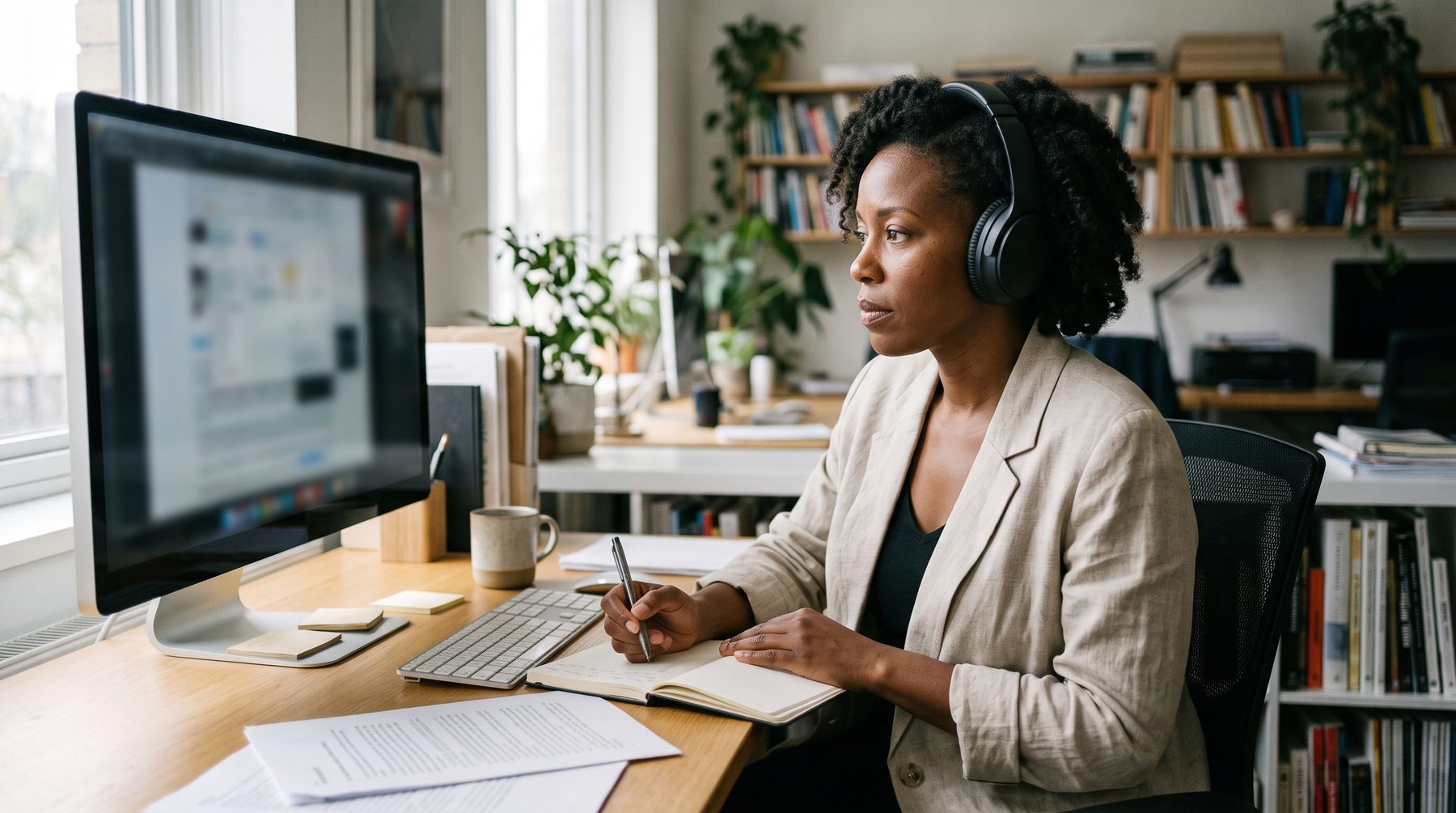
A woman editor wearing headphones works at a desk in front of a monitor in a quiet office.

Three lines to take away

Before

Conference video sat in a video host, and finding a quote meant watching the session again.

With Speak

The library was imported in bulk, transcribed, summarised with saved prompts and made searchable by topic.

After

Editors started articles from transcripts and search results instead of from a rewatch.

A library of sessions nobody could search

The video was valuable. The way to get at it was slow, and it fell to a lean editorial team after every event.

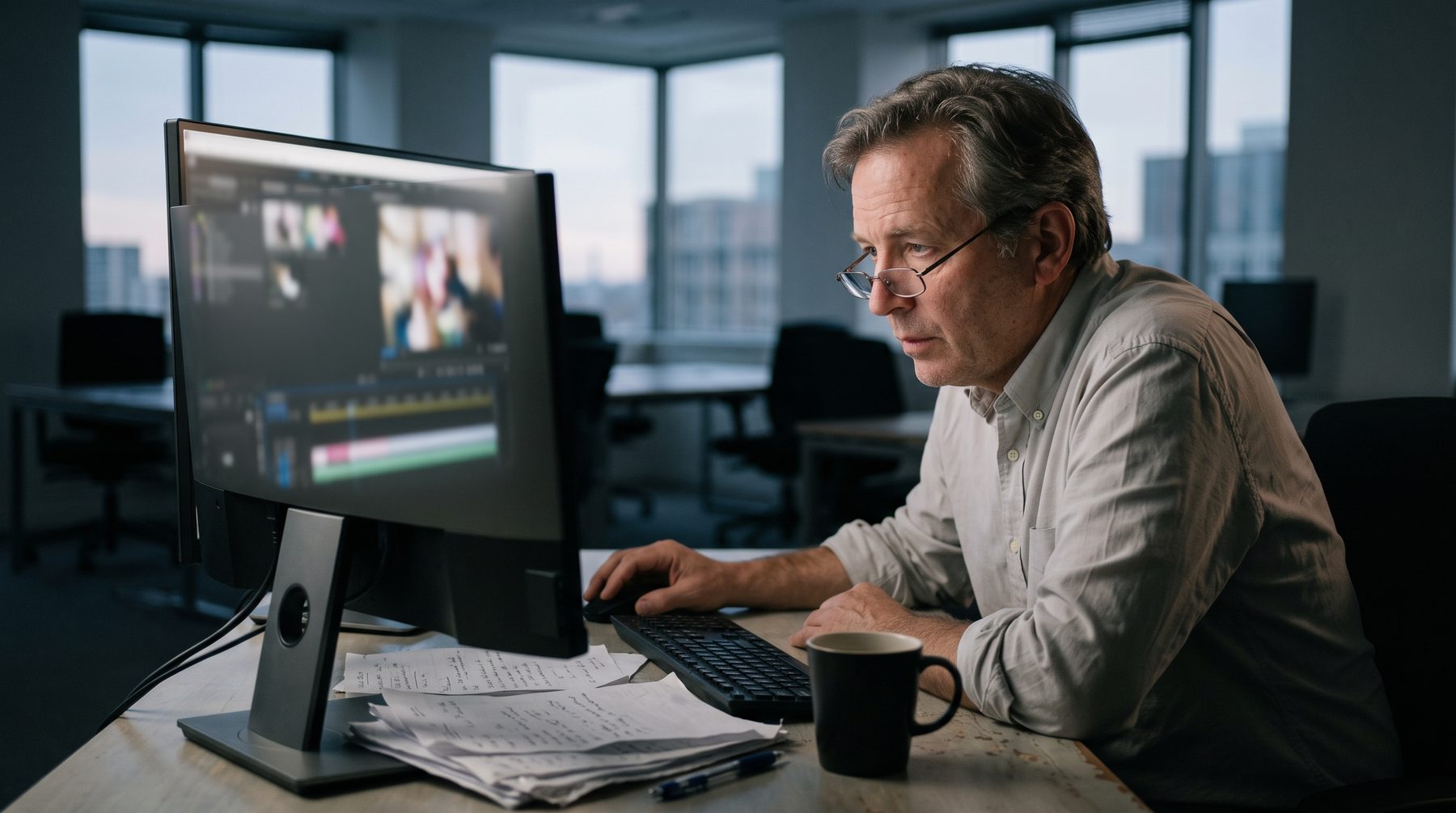
A man in glasses studies a video on a monitor late at night, with loose notes and a coffee beside him.

Moving files by hand

Getting sessions out of the video host and into any other tool meant downloading and uploading them one at a time, around every event. It was repetitive work that took days of an editor's attention.

Rewatching to find quotes

To write about a session, an editor watched it. To find a recurring theme across sessions, they watched many. The useful minute was buried inside an hour of talk.

Coverage that stalled

With a small team, the sessions that did not get an article right after the event rarely got one later. Long video stayed effectively unsearchable and unused. Each new event added more footage than the team could mine.

The cost: Hours of file moving around each event, then repeated viewing for every piece, with the back catalogue left largely unmined.

The turning point

Search first, then watch

The turning point came when an editor typed a topic into search and landed on the exact moment in a session, with the speaker named and the surrounding paragraph on screen. Nobody had to remember which session it was in, or watch to find out.

Before that clicked, the team needed to be convinced of two things. First, that the video would not have to be handled again: sessions could come across from the video host in bulk, and the originals stayed where they were. Second, that summaries would read like the publication's own house style. Saved prompts answered that, because the same instructions ran against every session and returned the same shape of summary each time. After a first batch looked right, the rest of the library followed.

The change showed up in how the team talked about the library. Before, a good idea for a piece had to be matched to a session from memory. After, an editor could start from the idea, search for it, and see which sessions touched it. That reversed the usual order of work: the topic came first, and the footage was found to fit it. It also let a second editor pick up a piece without watching anything, because the transcript and the timestamps carried the context.

How they use Speak AI

Four steps took a session from the video host to a draft article.

  1. Step 1

    Bulk import

    Sessions came across from the video host in large batches, so nobody downloaded and re-uploaded files one by one. Most of the library arrived this way.

  2. Step 2

    Transcribe

    Each session returned a timestamped transcript with speakers labelled, usually ready the same day the batch was imported.

  3. Step 3

    Summarise

    Saved prompts ran against each session and returned summaries in one consistent editorial format. Sessions were tagged by event, speaker and topic.

  4. Step 4

    Search and publish

    Editors searched and asked questions across the library, pulled quotes with timestamps, and used embedded players to show the source video beside the article.

What took work: Bringing hundreds of videos across took planning, and the first batch was used to tune the summary prompts before the rest ran. Tags only help if they are applied the same way every time, so the team had to agree on its naming first. Speaker labels sometimes needed a manual check.

A woman works on a laptop at a long shared table in a bright open office.

Book a Demo

Results

A searchable library of conference sessions

Through October 2025, the account held more than 990 recordings, with about 510 hours of video, and most had come straight from the video host.

690+
Sessions imported in bulk from a video host
280+
Files uploaded directly through the web app
28+ minutes
Median length of a session

What the team found, in short

Paraphrased from our own conversations with the team. Not quotes.

A back catalogue of long video is only an asset once someone can search it, and transcripts are what make that possible.

Paraphrased from our calls with the team

Editors with a small team publish more from an event when starting a piece means searching a transcript, not rewatching a session.

Paraphrased from our calls with the team

Saved prompts matter more than clever prompts: running the same instructions over every session is what keeps summaries consistent.

Paraphrased from our calls with the team

What is next

Three colleagues lean over a laptop at a sunlit table, reviewing their work together.
  • Cover every sessionTeams like this run the same summary prompts on the full event programme, so lesser-known sessions get a write-up too.
  • Reuse across formatsThe same transcripts can feed newsletters, quote cards and clip lists as well as articles, with timestamps pointing back to the source.
  • Open the library upEmbedded, searchable players let readers and members find sessions by topic on the publisher's own site.

More customer stories

Customer name withheld at their request. Figures are measured from Speak usage records, through October 2025.

Turn your event video into a searchable library

Book a demo and we will show how a library of sessions becomes transcripts, summaries and search you can write from.